60 React Project Ideas for 2026 – Beginner to Advanced
60 React Project Ideas for 2026
Whether you’re just starting with React or already know how to make apps, the best way to really learn React is by building projects. The problem is, sometimes you don’t know what to build.
That’s why I made a list of 60 React project ideas, split into Beginner, Intermediate, and Advanced levels. Each idea has a short description to help you pick where to start and how to push yourself.
Let’s dive in!
Beginner React Projects (20 Ideas)
These focus on JSX, props, state, events, and basic hooks. A good place to start.
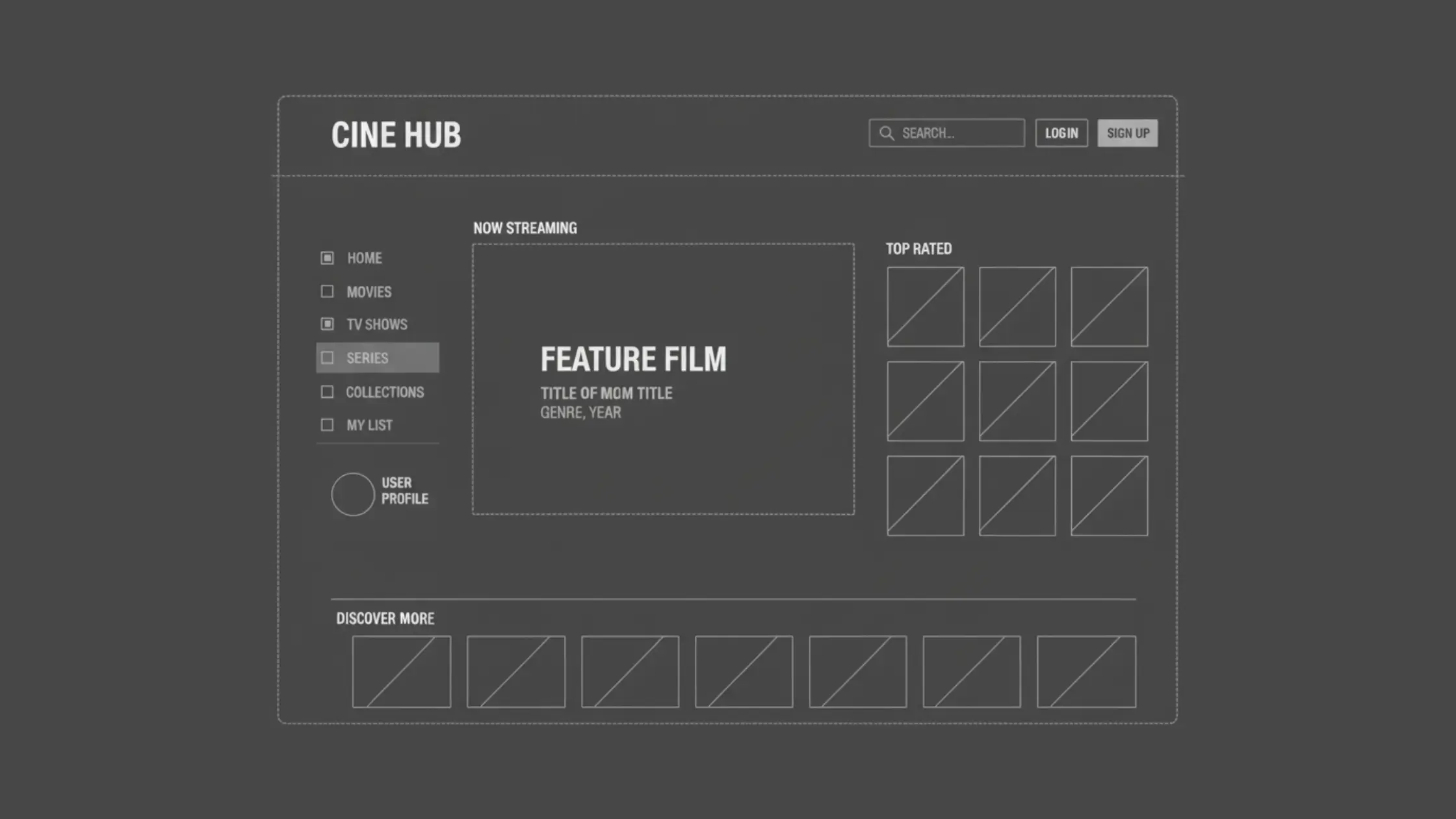
- Counter App – Increment, decrement, and reset buttons.
- Todo List – Add, delete, and mark tasks as completed.
- Weather App (API) – Fetch real-time weather data from OpenWeather API.
- Calculator – Basic arithmetic with clear/reset.
- Stopwatch/Timer – Start, stop, and reset a timer.
- Digital Clock – Live clock showing date & time.
- Quote Generator – Fetch random quotes from an API.
- BMI Calculator – Input weight/height to calculate BMI.
- Expense Tracker – Track income & expenses with charts.
- Image Gallery – Display images with filters & search.
- Form Validation App – Login/Signup form with validation.
- Movie App – Fetch movies using the OMDB API.
- Notes App – Sticky notes with add & delete.
- Quiz App – Multiple-choice questions with scoring.
- Currency Converter – Convert currencies with an API.
- Markdown Previewer – Convert markdown to HTML in real-time.
- Random Color Generator – Generate random HEX/RGB colors.
- Typing Speed Test – Calculate WPM with a timer.
- Joke Generator – Fetch random jokes from an API.
- Light/Dark Mode Toggle – Theme switcher with Context or state.
Tip: For most of these, try building them first with plain state/hooks, then later refactor with Context or Redux when you’re comfortable.
Intermediate React Projects (20 Ideas)
At this stage, you’ll need React Router, Context API, custom hooks, authentication, and performance optimizations.
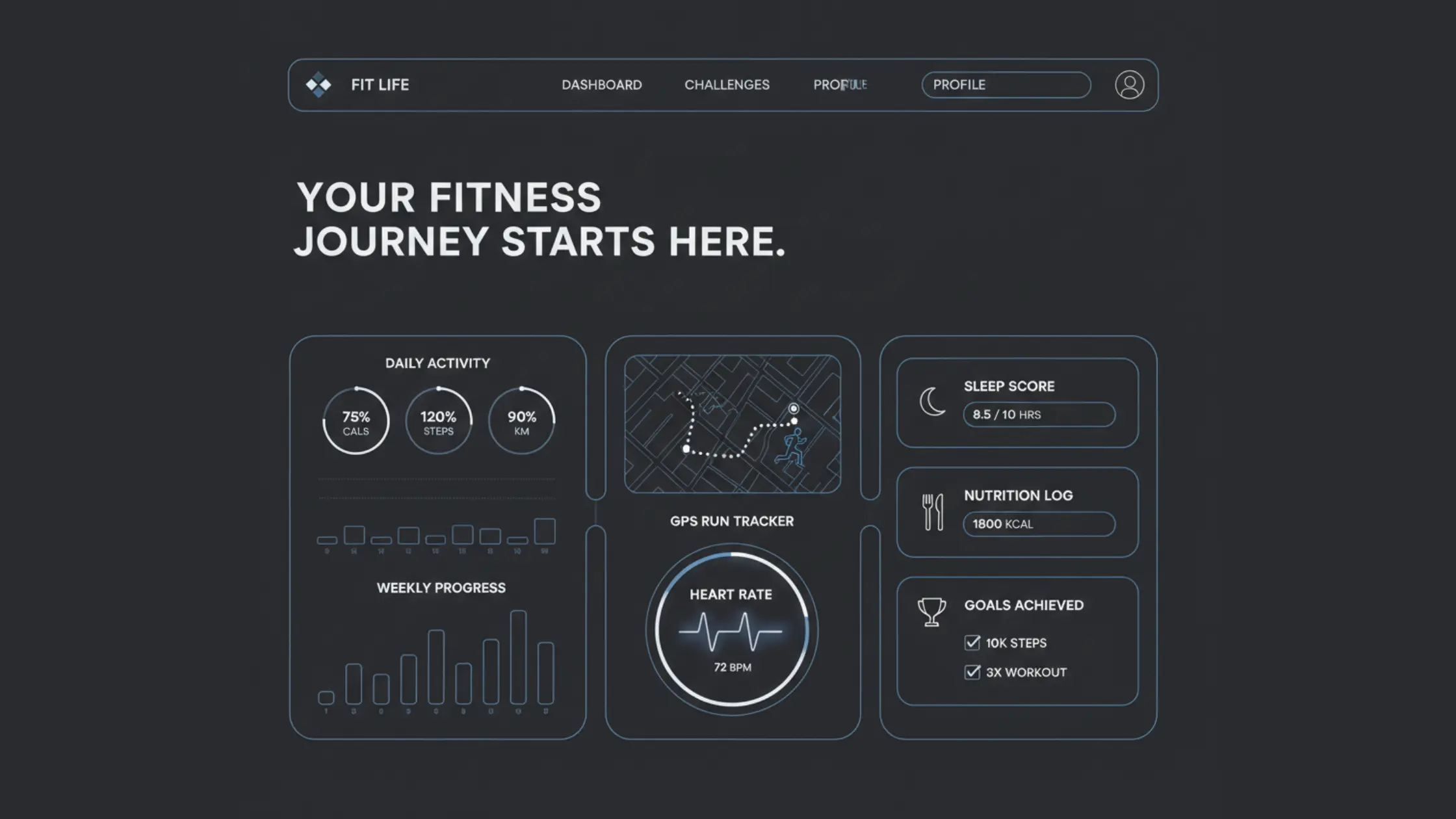
- E-commerce Store (Frontend) – Product listing, cart, and checkout flow.
- Blog Platform – CRUD posts, comments, and categories.
- Chat App (Basic) – Real-time messaging with WebSockets.
- Recipe Finder App – Search recipes via API.
- Music Player – Play, pause, and skip with progress bar.
- Task Manager (Drag-and-Drop) – Trello-style kanban board.
- Portfolio Website – Personal interactive portfolio.
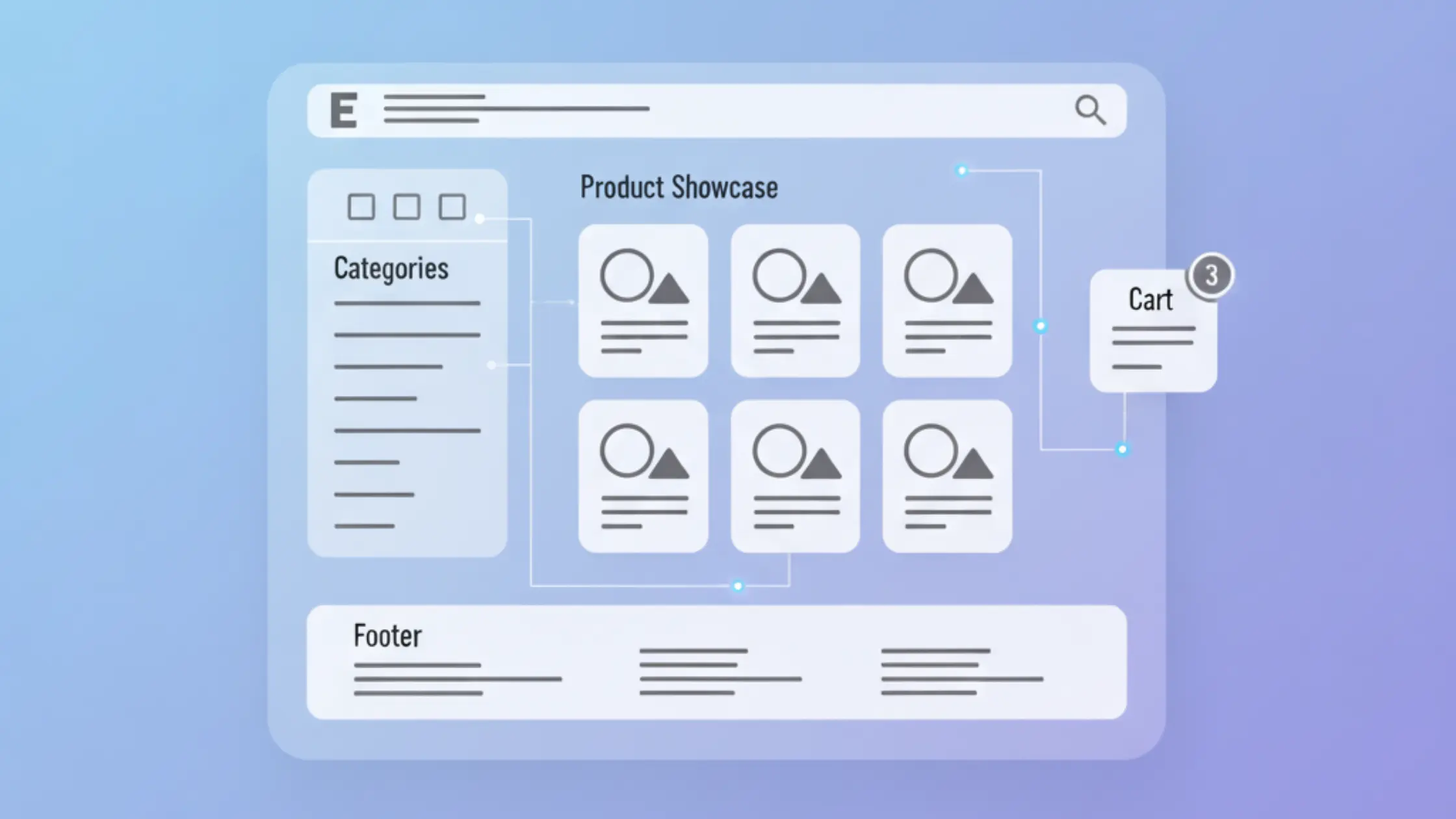
- Fitness Tracker – Track workouts & calories.
- Job Board App – Search & filter jobs via API.
- Photo Editor App – Basic filters, cropping, resizing.
- Survey/Feedback App – Create, submit, and analyze surveys.
- E-learning Platform (Mini) – Video lessons with progress.
- Stock Market Tracker – Fetch live stock data via API.
- Multilingual App – i18n support for multiple languages.
- Crypto Dashboard – Live cryptocurrency updates.
- Collaborative Notes App – Shared notes with Firebase.
- Flight Search App – Search flights via API.
- News Aggregator – Fetch & categorize news.
- E-voting App (Mock) – Create polls and tally votes.
- Recipe Meal Planner – Weekly meal planning with saved recipes.
Tip: These projects are perfect to add to your portfolio. Try integrating Firebase, MongoDB, and Express.js APIs for persistence.
Want to add social-style features? Check out my tutorial on building Hashtags and Mentions in React with TypeScript.
Advanced React Projects (20 Ideas)
These will push you into Redux, Next.js, SSR, GraphQL, authentication, testing, and scalability. Think like a production-ready engineer here.
- Full E-commerce App – Authentication, payments, admin panel.
- Social Media App – Profiles, posts, likes, comments & follows.
- SaaS Dashboard – Subscription management & analytics.
- Project Management Tool – Like Asana/Trello/Jira.
- Video Streaming Platform – Upload, play, & comment.
- Learning Management System (LMS) – Courses, quizzes & certificates.
- Real-time Collaboration Tool – Google Docs–style editor.
- AI Chatbot Interface – Connect with ChatGPT API.
- Travel Booking App – Hotels, flights & itineraries.
- Healthcare Portal – Appointments, prescriptions, & reports.
- Real Estate Platform – Property listings with maps.
- Food Delivery App (Frontend) – Menu & orders.
- CRM System – Manage leads & sales pipelines.
- Video Conferencing App – Like Zoom with WebRTC.
- Banking Dashboard – Transactions & analytics.
- Event Ticketing App – Book/manage tickets.
- NFT Marketplace – Mint, buy & sell NFTs.
- Online Code Editor – Run HTML, CSS, JS in browser.
- Voice Assistant App – Voice commands with APIs.
- Next.js SaaS Boilerplate – Authentication, billing, dashboard.
Tip: These projects involve backend integration, authentication (JWT, OAuth), payments (Stripe), and deployment (Vercel, AWS, etc.). Perfect for interviews and portfolios.
Once your projects are ready, here’s a guide on deploying a Node + React app on cPanel hosting.
Final Thoughts
That’s the end of 60 React project ideas for 2026! Whether you start with a simple Counter App or try something harder like a Next.js SaaS Boilerplate, the most important thing is to keep going. Don’t just copy tutorials. Try things out, break stuff, and add your own ideas to each project.
Pro tip: Write down what you learn. After each project, make a short blog post or add a README on GitHub. It helps other people and makes your portfolio look better.
The next important skill to learn after React is Docker for beginners.
Frequently Asked Questions
How do I choose the right React project as a beginner?
Start small with projects like a Counter App or Todo List to grasp the basics of JSX, props, state, and events. Once comfortable, move on to projects that involve fetching data from APIs.
Do I need TypeScript for these projects?
No, you can build all of them using plain JavaScript. However, using TypeScript makes your projects more robust and is highly recommended if you want to pursue React professionally.
How long does it take to finish these projects?
Beginner projects usually take 1–3 hours, intermediate projects can take a couple of days, and advanced ones may take 1–2 weeks depending on features like backend, authentication, or deployment.
Where should I deploy my React projects?
You can use Vercel or Netlify for beginner projects. For advanced apps that require APIs or databases, platforms like Render, Heroku, or cloud providers such as AWS, GCP, and Azure are better choices.
Do these projects require a backend?
Not all. Beginner apps like Calculator or Digital Clock are purely frontend. Intermediate and advanced apps, such as chat apps or e-commerce platforms, typically need a backend with APIs or databases.
How can I make my projects stand out in a portfolio?
Enhance them with good UI using TailwindCSS or Material UI, add extra features like dark mode, host them online with a live demo, and write clear documentation or blog posts explaining your approach.
Are these projects useful for interviews?
Yes, recruiters value practical projects. Even a Todo App shows your understanding of state management, while advanced apps like e-commerce stores or SaaS dashboards showcase job-ready skills.
Can I use AI tools like ChatGPT to build these projects?
Yes, AI can help generate boilerplate code, debug issues, and suggest optimizations. But ensure you understand the implementation fully, since interviews will test your problem-solving skills, not just the output.
Should I use Redux in these projects?
For smaller apps, React hooks like useState and useContext are sufficient. For larger projects with complex state management, Redux, Zustand, or Recoil can make your code more scalable and maintainable.
What’s the best way to track my progress?
Maintain a GitHub repository with each project in a separate folder, use a personal checklist to mark completed projects, and share updates on LinkedIn or Twitter to stay accountable and showcase growth.
WorkSage Hybrid Work Planner is a web based scheduling tool built for people working in hybrid mode (some days from home, some from office). It helps you plan and balance your “work from office (WFO)” and “work from home (WFH)” days according to what your workplace requires.
Try it now for free →